
Your own environment, not shared infrastructure
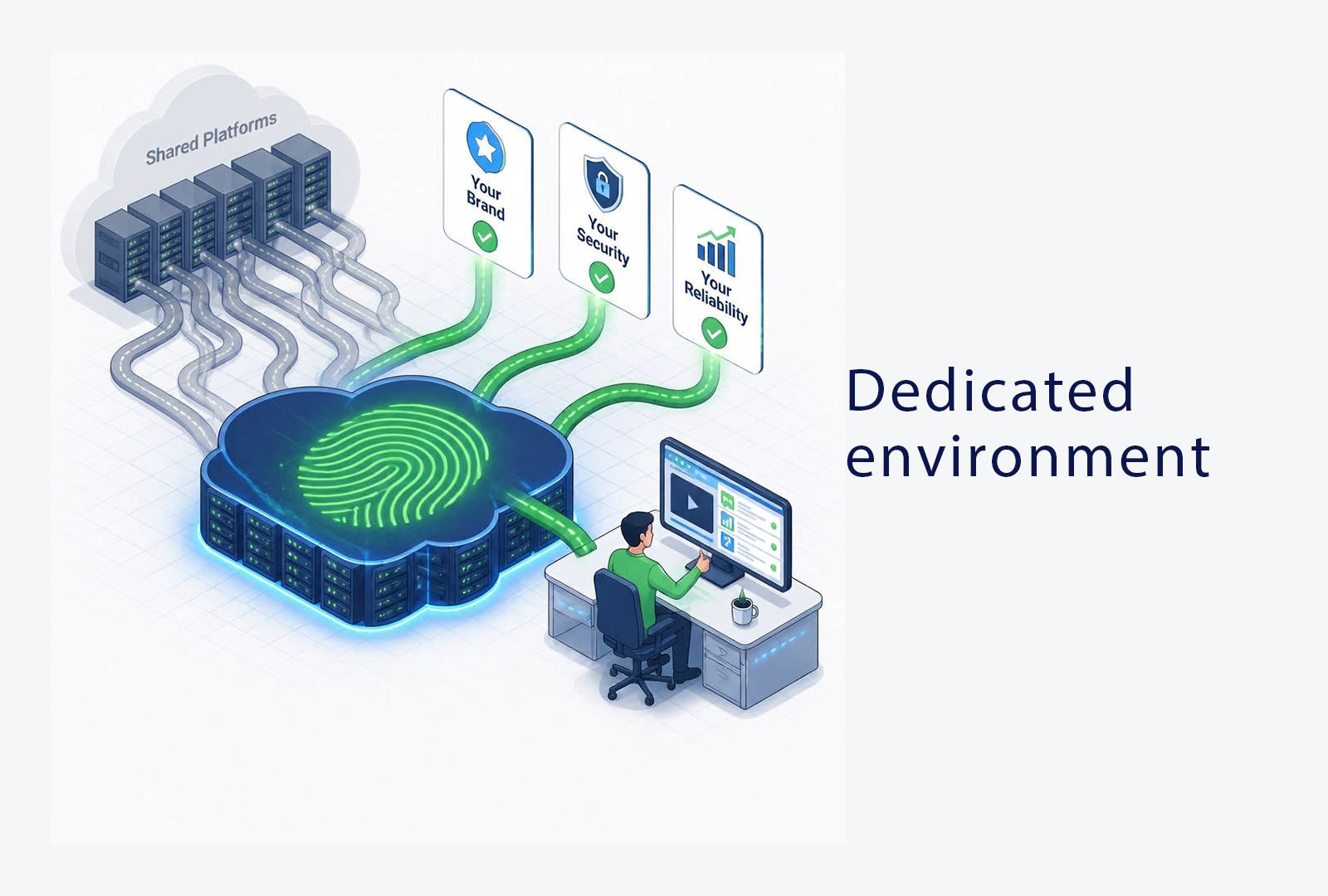
Most webinar platforms run all their clients on the same shared infrastructure.
OnlineWebinar does it differently: every client gets a dedicated environment.
That's not a technical detail, this determines how reliable, how secure and how
recognisable your webinars are.
What a dedicated environment actually means
On most platforms you share infrastructure with every other client. One large environment, where the data, traffic and load of hundreds of organisations run together. If another client hits a busy moment, you can feel it.
A dedicated environment reverses that. Your organisation gets its own environment, configured for your use. Your data sits separately, your performance doesn't depend on what other clients are doing, and the environment can be set up to fit your situation. It's the difference between a shared space and having your own floor.
Your performance doesn't depend on someone else's peak
On shared infrastructure the "noisy neighbour" effect is a real risk: if another client runs a large event at the same moment, it can affect your broadcast. During an important client-facing webinar, that's exactly the kind of dependency you don't want.
With a dedicated environment, the resources are yours. The stability of your webinar isn't determined by how busy someone else is. For organisations where a stuttering broadcast means immediate reputational damage, that isn't a luxury, it's a requirement.
Data isolation makes the compliance story easier
From a security perspective, a dedicated environment is a fundamentally different starting point. Your attendee data doesn't sit in a shared database with that of hundreds of other organisations, but in an environment configured for you. That data isolation is an argument your own security or privacy team recognises immediately.
It makes internal sign-off on a new platform considerably easier: isolation is a property of the architecture, not a setting you have to switch on or that could accidentally be off. It supports your broader GDPR obligations around the processing of personal data.
The webinar looks like your brand
Because the environment is yours, so is the branding. OnlineWebinar is fully white-label >, meaning attendees see your identity and your environment, not the brand of the platform underneath. For client-facing webinars, that's the difference between a professional, coherent experience and a session that visibly runs in someone else's tool.
A dedicated environment makes that the default, rather than something you have to approximate with limited branding options.
What this means for your organisation
In practice, a dedicated environment delivers three things at once: your broadcast is stable and not dependent on other clients, your data sits isolated which strengthens your compliance story, and your webinars carry your brand rather than the platform's. For organisations where reliability, security and
branding all matter, one architectural choice answers several requirements at the same time.In short:
• A dedicated environment per client: no shared infrastructure
• Stable performance, no "noisy neighbour" risk
• Data isolation: a stronger compliance story
• Fully white-label: your brand, your identity
Want to see how a dedicated environment works?
Book a demo > where we show what your dedicated environment looks like, from reliability and data isolation to the full white-label experience.
