
Live Connection Tester
The confidence you need before and during your live broadcast
Whether you’re a CEO hosting an investor webinar or a trainer addressing thousands of employees, nothing is more disruptive than technical issues during a live broadcast. That’s why the OnlineWebinar platform includes a Live Connection Tester. This is a real-time pre-flight check, that eliminates uncertainty before your event starts.
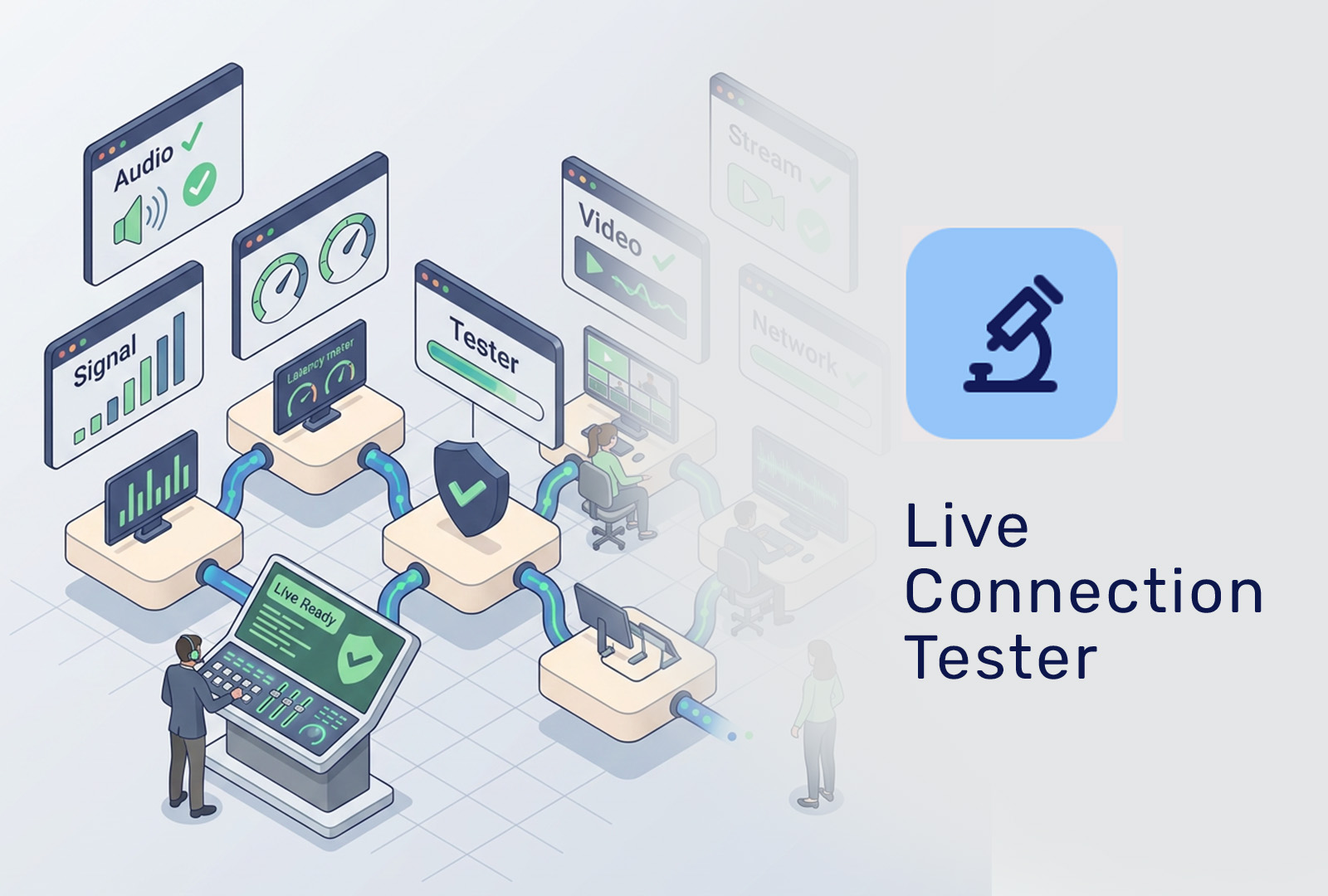
What does the Live Connection Tester do?
Automatic pre-flight check
As soon as you enter the webinar room, the system automatically tests:
- Internet connection – speed and stability
- Audio input & output – microphone and speakers
- Camera – resolution and frame rate
- Browser compatibility – optimal platform performance
There is no manual setup or complex configuration needed, everything runs automatically.
Smart recommendations
If something isn’t optimal, you’ll receive clear, actionable recommendations, such as:
- Switching microphones or cameras
- Using a wired connection instead of Wi-Fi
- Closing interfering applications
- Changing to a recommended browser
This ensures you’re technically ready before the live moment begins.
For hosts and speakers alike
The Live Connection Tester automatically runs for everyone with an active role, including:
- Hosts
- Moderators
- Co-hosts
- Speakers
This guarantees that the entire production team is prepared, not just the main presenter.
Why this feature matters
For enterprise and corporate webinars, reliability is non-negotiable. With the Live Connection Tester we deliver:
- Reduction of risk of technical issues during live events
- Boosts speaker confidence
- Lowers pressure on live support teams
- Demonstrates that OnlineWebinar.com is built for professional, high-stakes use
